Connect with Joget at Bharat AI Innovation 2026 on 20-21 NOV at MUMBAI, INDIA
PluginFree

Color Admin Theme DX

By Joget, Inc.Userview Theme

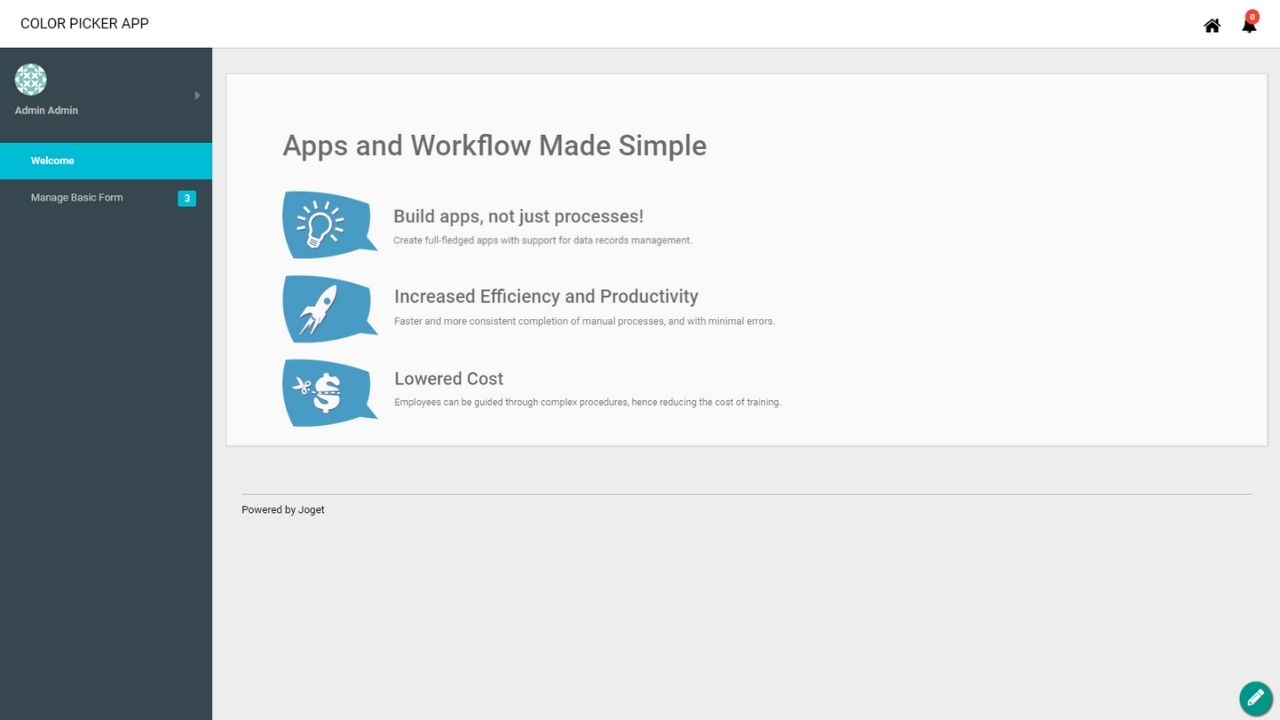
The Color Admin Theme is a new userview theme plugin that features all new icons, more color picker options, and many more, in a responsive design. This plugin source code is available in a new open source repository at https://github.com/jogetoss/. JogetOSS is a community-led team for open source software related to the Joget no-code/low-code application platform. Projects under JogetOSS are community-driven and community-supported, and you are welcome to contribute to the projects. The latest plugin version is colorAdminTheme-7.0.7.jar.   Requirements This plugin was designed specifically for the Joget DX Enterprise editions.   Steps To Import This Plugin Click "Download" on this plugin screen (It will be a .jar file). Go to your Joget localhost or server, in Joget Console navigate to "Admin Bar > Systems Settings > Manage Plugins" and click the "Upload Plugins" button. In "Upload Plugin", select the plugin .jar file you just downloaded, then click "Upload". You can now view your new plugin in your userview settings. Remember to always uninstall the old plugin before uploading a new version. The Joget Knowledge Base has more information on managing and developing plugins.  

811 downloads

The Color Admin Theme is a new userview theme plugin that features all new icons, more color picker options, and many more, in a responsive design.

This plugin source code is available in a new open source repository at https://github.com/jogetoss/. JogetOSS is a community-led team for open source software related to the Joget no-code/low-code application platform. Projects under JogetOSS are community-driven and community-supported, and you are welcome to contribute to the projects.

The latest plugin version is colorAdminTheme-7.0.7.jar.


Requirements

This plugin was designed specifically for the Joget DX Enterprise editions.


Steps To Import This Plugin

  1. Click "Download" on this plugin screen (It will be a .jar file).
  2. Go to your Joget localhost or server, in Joget Console navigate to "Admin Bar > Systems Settings > Manage Plugins" and click the "Upload Plugins" button.
  3. In "Upload Plugin", select the plugin .jar file you just downloaded, then click "Upload".
  4. You can now view your new plugin in your userview settings.
  5. Remember to always uninstall the old plugin before uploading a new version.
  6. The Joget Knowledge Base has more information on managing and developing plugins.